Eclipse IDE, press CTRL + T or F4 to view the Java class hierarchy, no need to search the JavaDoc API online.
Note
For Mac OS X, press
For Mac OS X, press
Command + T
Steps to show class hierarchy
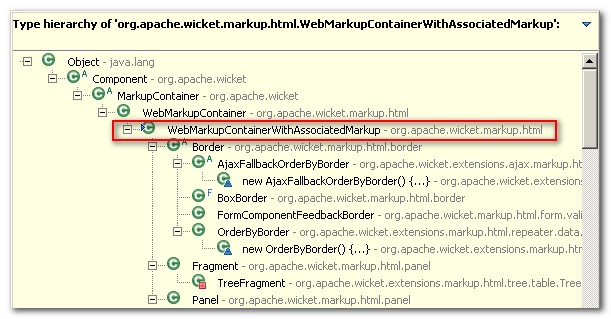
1. Clicks on a class, press CTRL + T to view the subtype hierarchy.
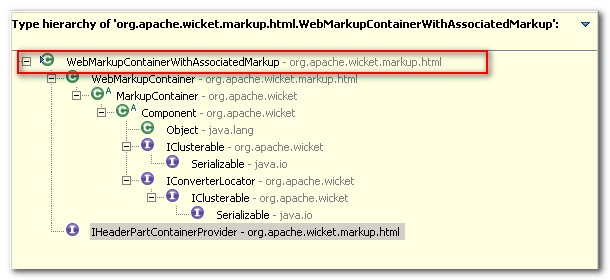
2. Press CTRL + T again, it will display only the super type hierarchy.

For complex projects, SCG and UDoc are also great 😉
http://scg.unibe.ch/research/softwarecartography
http://udoc.sourceforge.net/main/index.html
Thanks for your recommend tools.