In jQuery, we can use the location.reload() to refresh or reload a page, which is part of the native JavaScript Window interface, not jQuery specifically.
location.reload();
P.S Tested with jQuery 3.7.1
1. Reload a page using jQuery
A complete example to show how to reload a page using jQuery.
<!DOCTYPE html>
<html lang="en">
<head>
<meta charset="UTF-8">
<meta name="viewport" content="width=device-width, initial-scale=1.0">
<title>jQuery reload a page</title>
<script src="https://cdnjs.cloudflare.com/ajax/libs/jquery/3.7.1/jquery.min.js"></script>

<script type="text/javascript">
$(document).ready(function(){

  $('#reloadButton').click(function() {
    location.reload();
  });

  $('#changeText').click(function() {
    $('#mainTitle').text("jQuery Reload a page!")
  });

});
</script>

</head>
<body>

  <h1 id="mainTitle">Hello World</h1>

  <button id="changeText">Change Text</button>

  <button id="reloadButton">Reload Page</button>

</body>
</html>
Output
The page default shows a h1 Hello World and two buttons.
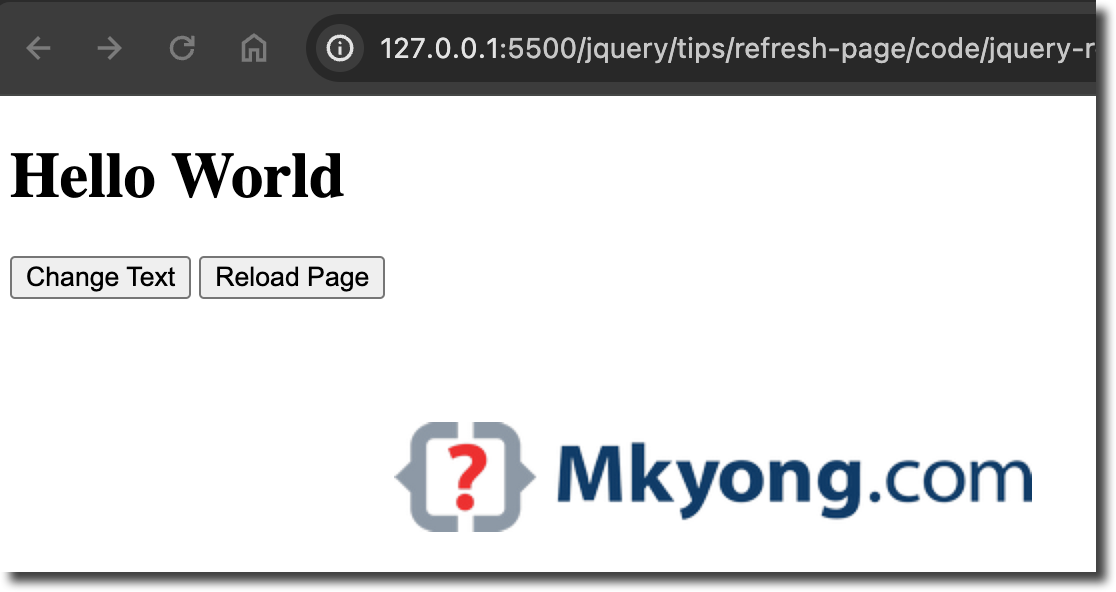
When we click the id=changeText button, the page’s h1 Hello World will update to jQuery Reload a page!.
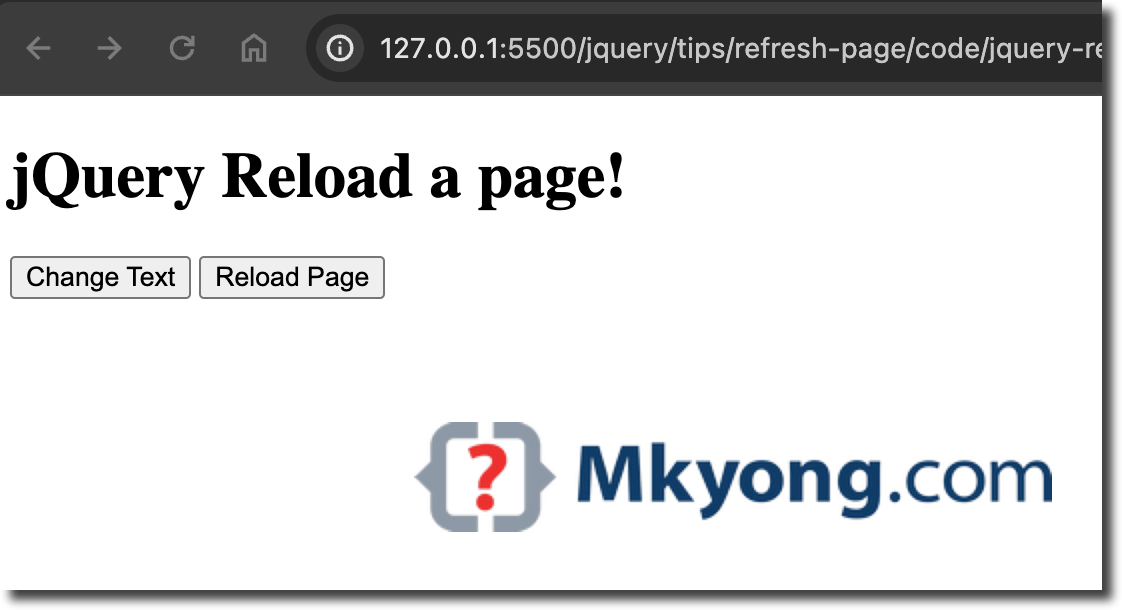
When we click the id=reloadButton button, the page reloads to the default.
